Resending a Manual Digital Signature Request

For various reasons there will come times when it’s necessary to resend a digital signature request.  Perhaps the guest didn’t get the first email, or maybe they deleted it…whatever the reason, it’s easy to send the request again.

Guest Control Panel > Documents Tab

To resend a digital signature request, go into the guest control panel, select the invoice which requires the digital signature and click on the Document tab:

You will see a button to “request agreement signature” (note image above).

That button will allow you to resend the digital signature request, the guest will not have to go through the booking process again, they will only be asked again to sign the rental agreement since they didn’t do it the first time!
Related Posts

New Features
Brent Kleinheksel

Owner Portal Updates: Whitelabeling and New Owner Dashboard

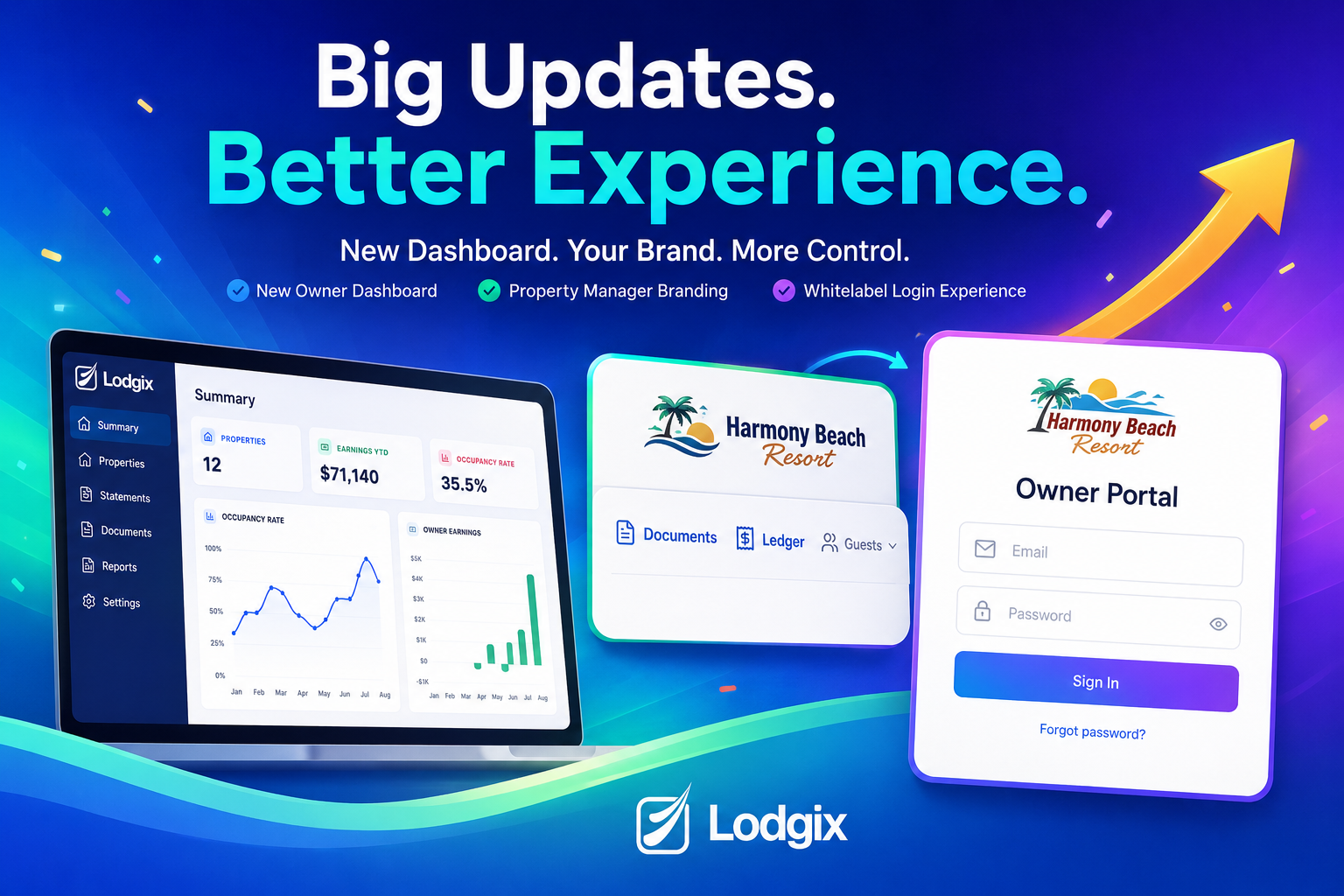
First impressions matter, and for vacation rental property managers, every touchpoint with your owners is a chance to reinforce the professionalism of your business. That’s why we’re excited to roll out new Owner Portal enhancements in Lodgix.  These changes include a new owner dashboard as well as  replacing Lodgix branding

Read More
New Features
Brent Kleinheksel

Nearly Half of Pet Owners Are Rerouting Trips Over Pet-Friendly Stays

New data from PetScreening reveals that pet accommodations are no longer a nice-to-have — they’re a booking dealbreaker. As summer travel ramps up, nearly half of pet owners say they’ve changed or canceled trip plans because of pet-related policies or lack of pet-friendly options, with Gen Z leading the charge.

Read More
Scroll to Top