The newest Lodgix feature allows users to convert an iCal block to a reservation with just a single click.
Click on the block you want to convert
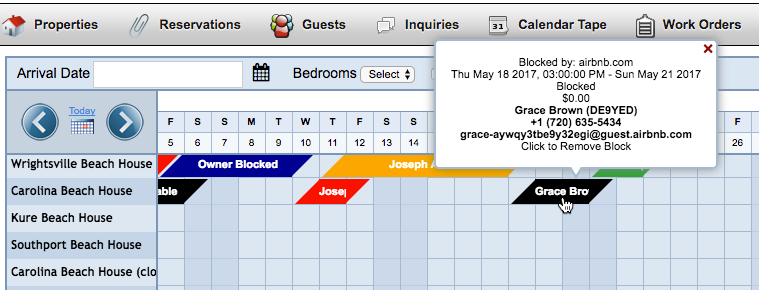
Click the Create Reservation button
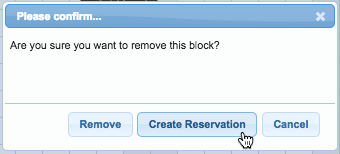
That’s it! The block has been replaced with a reservation
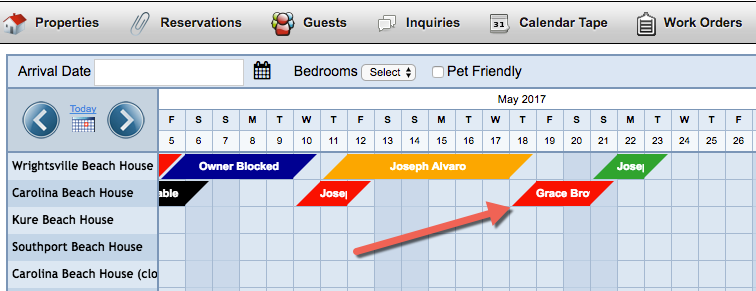
The new reservation can be updated or modified just like any other. This feature is only available for blocks created via iCal. It will not work for blocks that have been created by subscribers, employees, or owners.
Most iCal feeds will not include the guests email address, and thus it cannot be used when creating the reservation. In these circumstances, Lodgix will generate a system email. This can be manually updated with the guests actual email address. If any additional information is passed through the feed (comments, etc.) it will be captured and stored in the Invoice Comments area of the guest control panel.